STEP 10
⚙️ Account settings
UPDATE YOUR PROFILE NAME AND EMAIL, MANAGE YOUR PASSWORDLESS SIGN-IN INBOX, AND (CAREFULLY) CLOSE YOUR ACCOUNT ALONG WITH ITS SITES, PAGES, AND RATINGS.
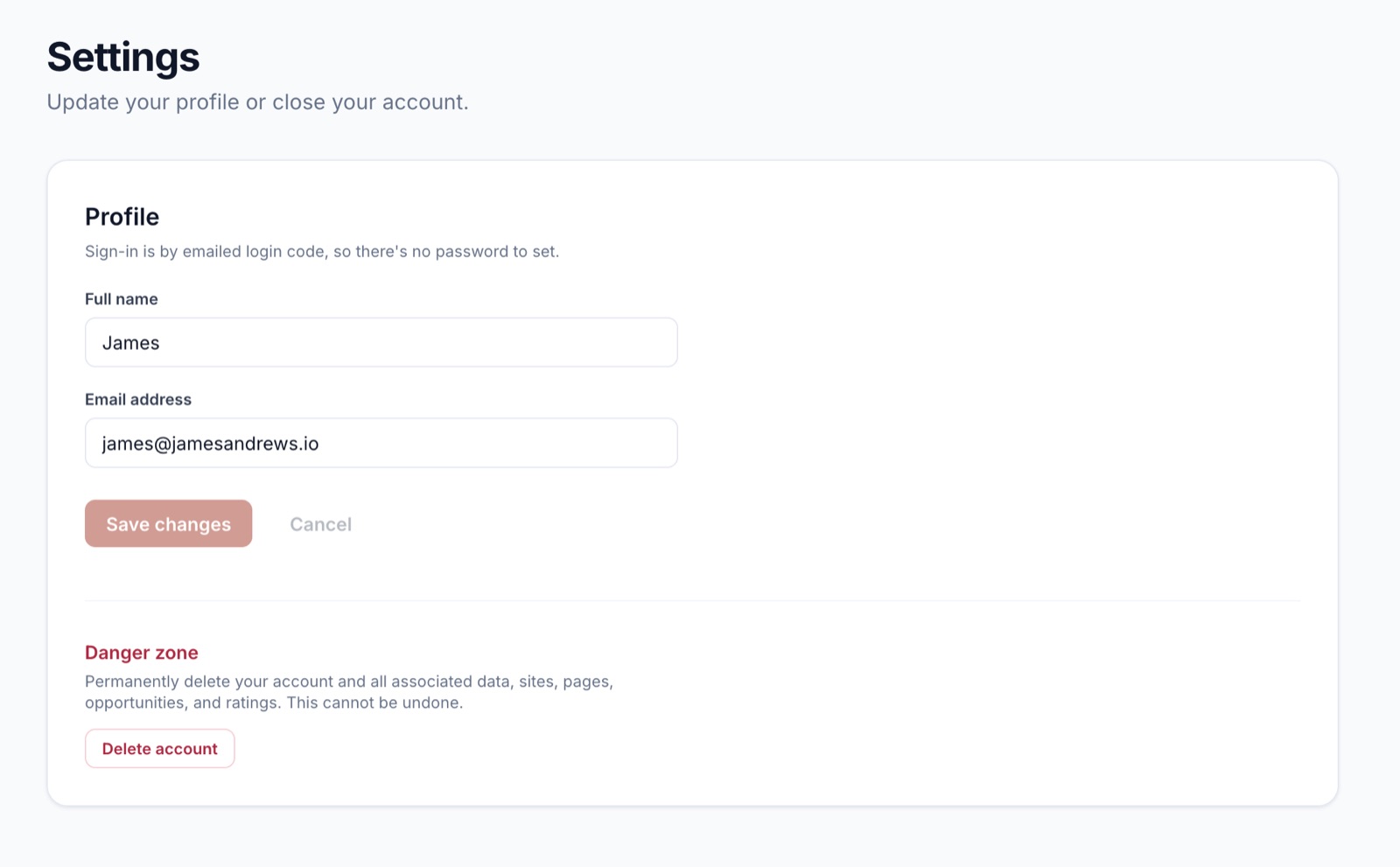
The Settings page is short on purpose. There’s a profile section for the things that change occasionally, and a danger zone for the one action that can’t be undone.
Profile
- 🧑 Full name 👉 how you appear in the app and on emails.
- 📧 Email address 👉 where login codes and “audit ready” emails go.
There’s no password. Sign-in is by emailed login code, so the only credential is access to your inbox. Click Save changes to persist.
Danger zone 🚨
- 🗑️ Delete account 👉 permanently deletes your account and all associated data: sites, pages, opportunities, ratings. This cannot be undone.
Deleting is the right answer if you no longer want any data on our servers. Canceling your subscription (see Your subscription) is the right answer if you might come back.
Tips 💡
- 📥 Export your Confirmed opportunities before deleting if you want to keep them. Once the account’s gone, the data’s gone.
- 📨 Changing your email also changes where login codes are sent. Make sure you have access to the new inbox first.
- 🤝 Need a teammate to help? Ratings are per-site, and the model learns from anyone who rates.
- 🔐 Lost access to your email? Reach out at [email protected] before deleting anything.