🚀 Start your first audit
DROP IN YOUR DOMAIN AND KICK OFF THE CRAWL THAT GRADES EVERY PAGE ON YOUR SITE FOR LINK-WORTHINESS AND FINDS BROKEN LINKS YOUR CONTENT CAN REPLACE.
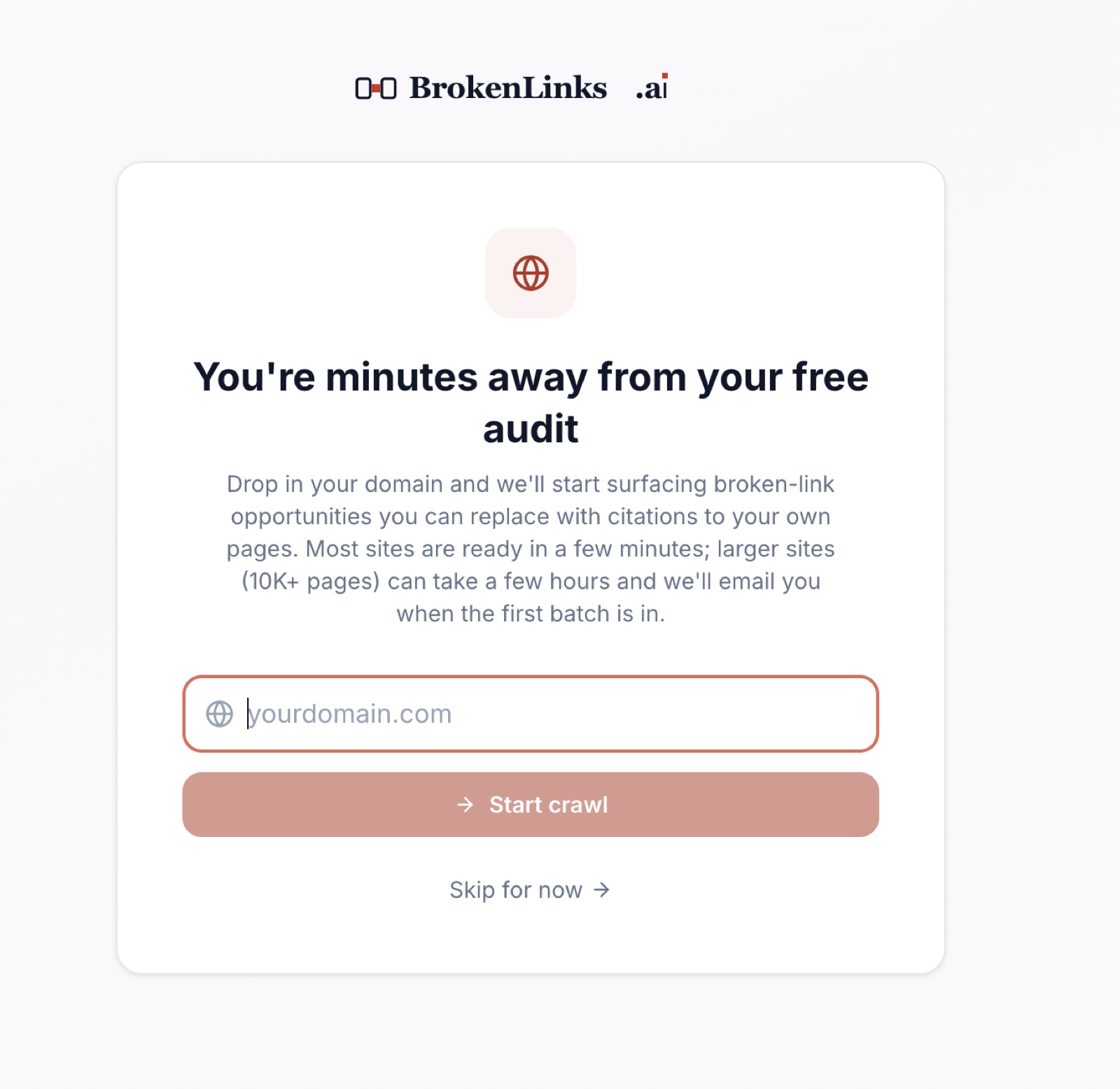
Sign-in is by emailed login code, so there’s no password to set or remember. Once you’re in, the very first screen asks for one thing: your domain.
Type it (just the host, no https://, no path) and hit Start crawl. The crawler pulls your sitemap, scores every page on five content dimensions, and starts looking outward for broken links your pages could replace as citations.
Small sites are usually ready in a few minutes. Sites in the 10,000+ page range can take a few hours; we’ll email you the moment the first batch is in, so you don’t have to sit on the page refreshing.
The reason this is the very first thing the app asks for: every other screen (content scores, opportunities, the database) is empty until there’s a crawl behind it. The faster you get this in, the faster the rest of the product becomes useful.
Tips 💡
- 🔁 You can add more sites later from Settings. The first audit is just to get you moving.
- 📭 Check spam if the “first batch ready” email doesn’t show up; passwordless sign-in emails go to the same inbox.
- 🐢 Big site? Open the Content Analysis tab while you wait. Pages start appearing as soon as they’re scored.